Any Video Converter Alternatives: Freemake, Movavi & More
Any Video Converter, Freemake, Movavi, MiniTool, and HitPaw all convert video, but most add a watermark or a subscription somewhere. Here's what each actually costs and restricts.
Search "video converter" for Windows and the same five names keep showing up near the top: Any Video Converter, Freemake, Movavi, MiniTool, and HitPaw. All five genuinely convert video. Where they differ, and where most of the frustration people report actually comes from, is what happens once you hit convert on whichever one is free to download.
Here's what each one actually restricts, what it costs to get past that, and where a converter that never had a restriction to get past in the first place fits into the picture.
AI Convertly's video converter (free, no watermark, nothing to install)
This is the tool built into this site, so it goes first, and it's worth trying first regardless of that: it converts between MP4, WebM, and MOV entirely in your browser, using your own device's processing power instead of uploading anywhere.
- Open the video converter.
- Drop your file onto the upload area, or click it to browse. It reads MP4, WebM, MOV, and MKV.
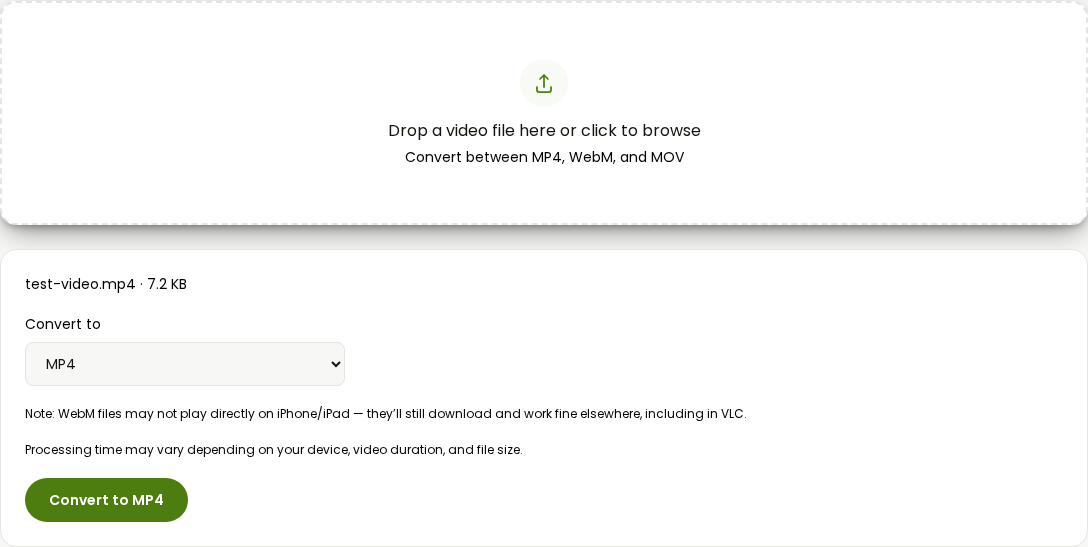
- Pick your output format from the dropdown: MP4, WebM, or MOV.
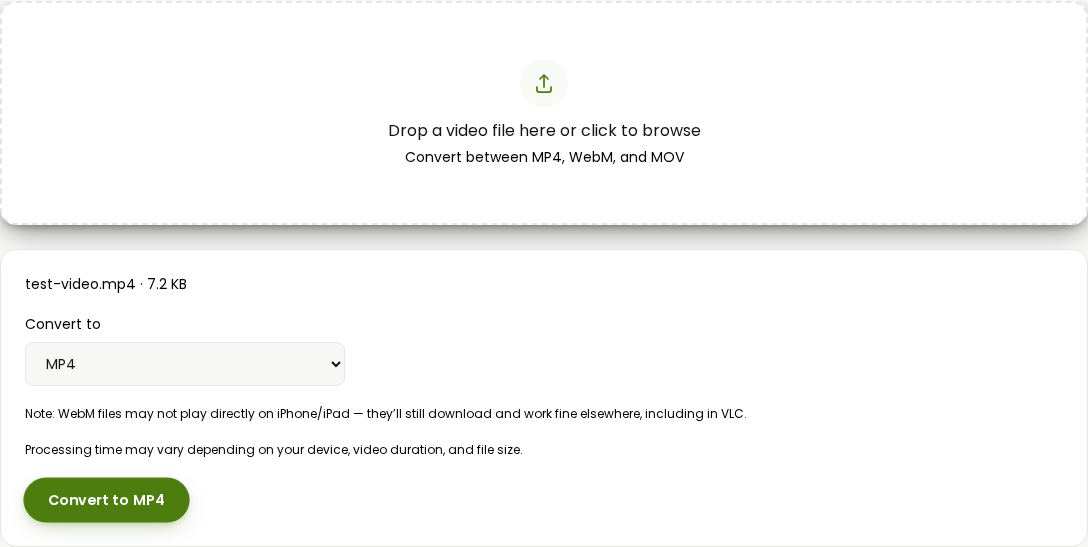
- Click Convert.
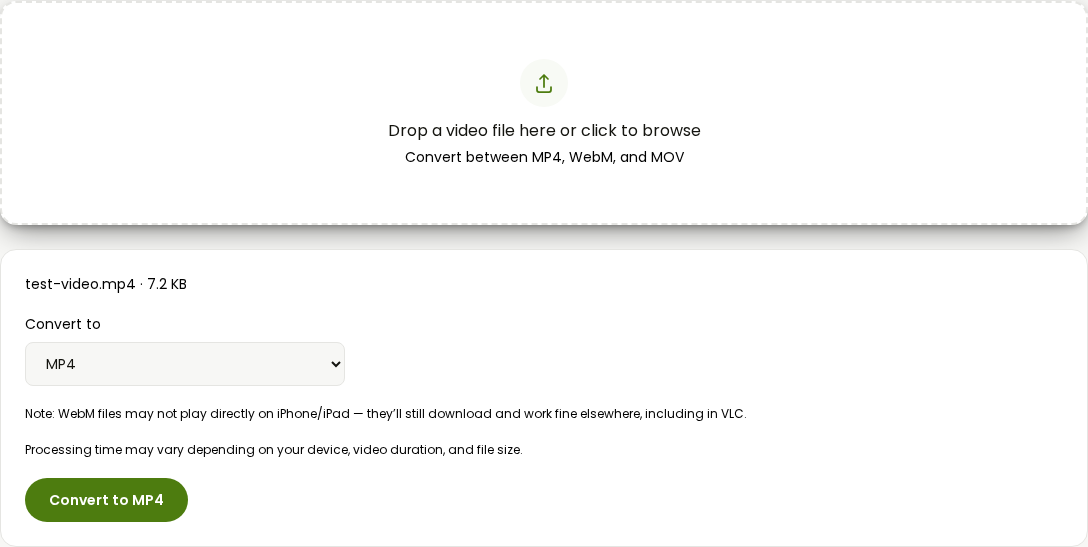
- The file downloads automatically the second it's ready.
There's no watermark because there's no paid tier it's trying to sell you into, no length cap because there's no server metering how much of your file it's willing to process, and no install because it never leaves the browser tab. The honest limits: it doesn't touch HEVC (H.265) footage yet, and it only writes to MP4, WebM, or MOV, so if your target format is something more specific, like AVI or a device-specific preset, one of the desktop tools below still earns its place.
If your actual goal is a smaller file rather than a different format, the compress video tool is the more direct route and skips this whole comparison entirely.
Any Video Converter (genuinely free tier, but it's still an install)
Any Video Converter's free edition is the most straightforwardly honest of the five: no watermark, no file size ceiling, and no daily cap on the free download, according to its own current product page. It converts across a long list of formats and includes batch conversion.
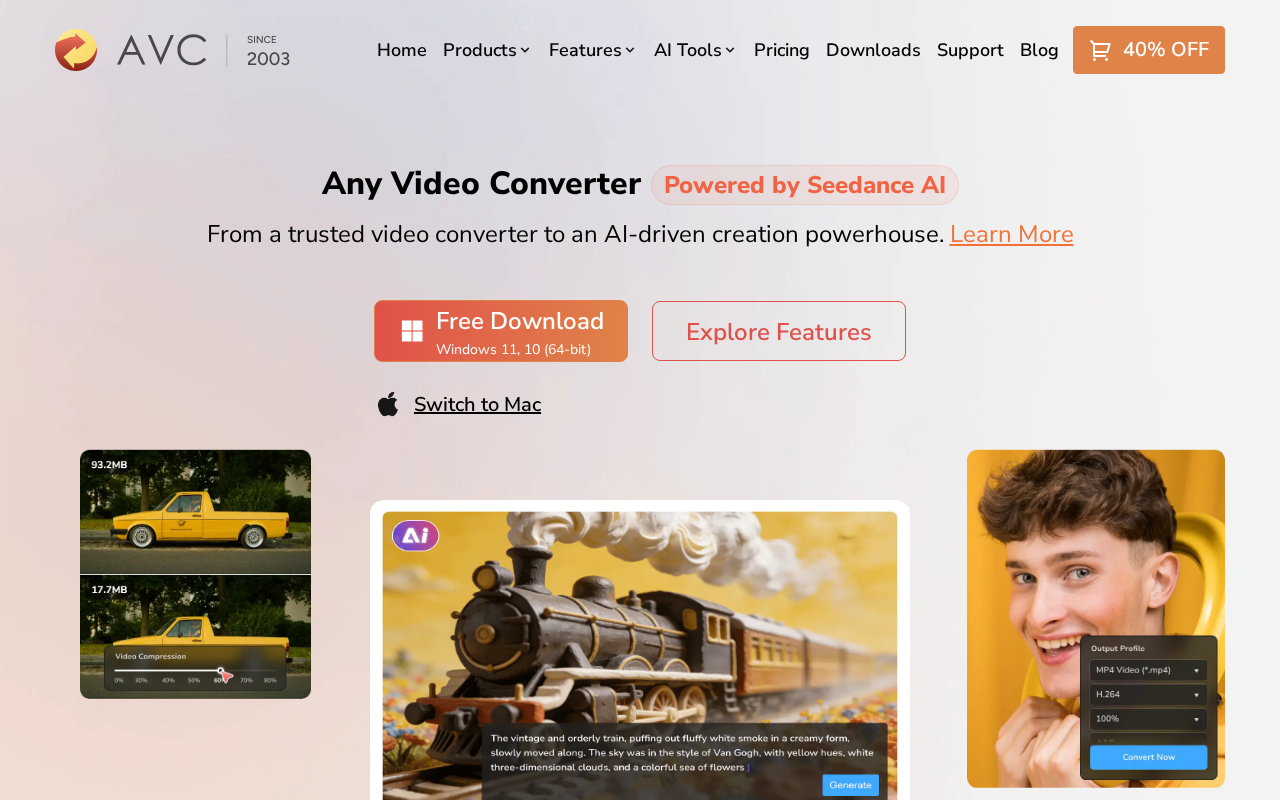
The catch isn't hidden in fine print, it's just the format itself: you download an installer, run it, and open a full application with menus for batch queues, device presets, and enhancement tools you don't need for one file. The paid "Ultimate" tier, priced around $29.95 to $69.95 depending on the plan, adds AI upscaling, speech-to-text, a vocal/music splitter, and DVD burning, none of which does anything for someone who just needs today's file in a different container. If you're actually converting a folder of clips in bulk on a regular basis, the free tier alone is a reasonable pick. For a single file right now, it's a two-to-five-minute install for a job the browser handles in about thirty seconds.
Freemake Video Converter (markets itself as fully free, watermarks the output anyway)
Freemake's own site currently states it's "absolutely free, no trials or limitations." That's not quite the whole story: Freemake sells a separate "Remove Branding" pack specifically because, in the company's own words, the free converter "adds a logo on the converted clips." Buying that pack is described as the only legal way to get a Freemake-free export.
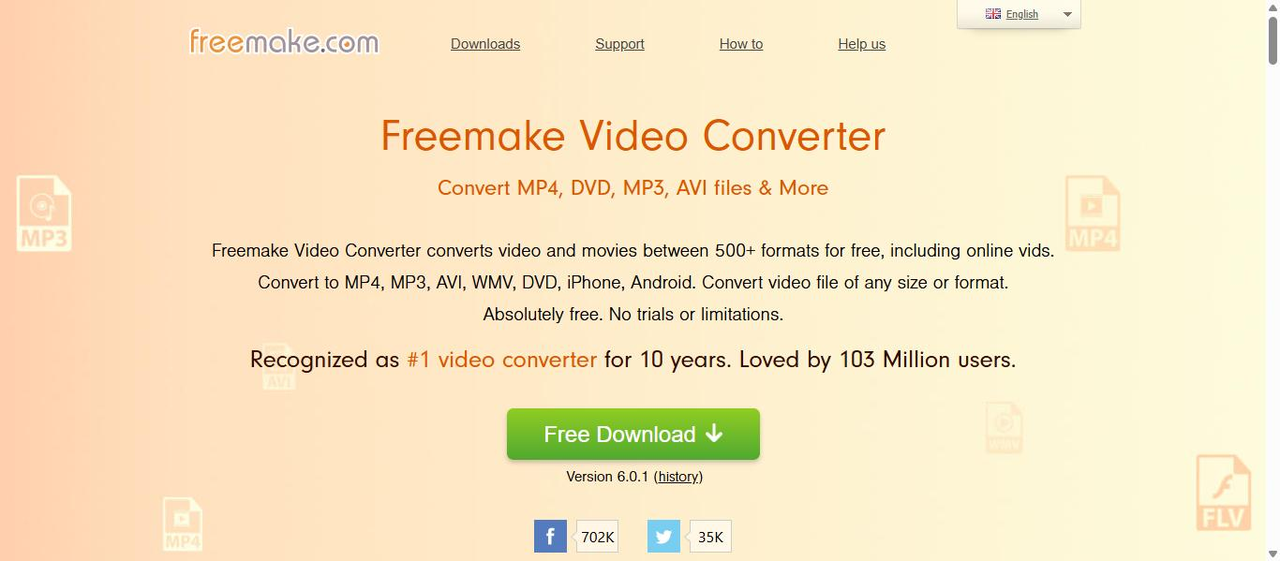
So the free version does convert your file, but what comes out has a watermark burned into it unless you pay. That's a meaningfully different deal than "no limitations," and worth knowing before you spend the time installing it expecting a clean file. Freemake still supports a genuinely wide format list (500+, per its own claims) and handles DVD ripping and burning, which is more than most of the other tools here offer. If that specific feature set is what you need and you're willing to pay for the branding removal, it's a real option. If you just need one clean converted file, it isn't the free tool its homepage makes it sound like.
Movavi Video Converter (7-day trial, watermark and a half-length cap during it)
Movavi's trial page is direct about its own restrictions in a way Freemake's isn't: during the 7-day free trial, output video carries a "Trial" watermark, and in the software's SuperSpeed conversion mode only half the video's length actually gets converted (the same 50% cap applies to audio files). After the trial, a subscription runs $19.95 a month, or $54.95 for the first year (discounted from $79.95, per Movavi's current pricing page, though introductory pricing like that tends to be time-limited, so check the current number before buying).
Movavi's actual conversion quality and speed get consistently solid reviews, and the software covers a wide format list plus basic editing. But a 7-day trial that only gives you half your file back, watermarked, isn't really a way to convert anything usable today, it's a way to evaluate the software before a subscription. For a one-off conversion you need right now, that's the wrong shape of free entirely.
MiniTool Video Converter (subscription-only, unclear on what the free download actually does)
MiniTool prices its Video Converter as a subscription: $12.99 for one month, $39.99 for six months ($6.66 a month), or $69.99 for a year ($5.83 a month), each covering one PC. Its own pricing page lists "convert, compress, and download videos without limit" as something the paid plans include, which implies the free download comes with some kind of limit, though MiniTool doesn't spell out exactly what that limit is on the page itself, whether that's a watermark, a length cap, or something else.
That ambiguity is itself worth knowing going in: with Any Video Converter and Movavi, you know exactly what you're getting for free and exactly what removes the catch. With MiniTool, you'd need to install it and test a real conversion just to find out where its own line is.
HitPaw Univd (formerly HitPaw Video Converter): the trial converts a third of your file
HitPaw's converter is now bundled into a broader app called Univd, which adds AI tools like speech-to-text, background noise removal, and video enhancement alongside plain format conversion. The free trial's restriction is specific: it converts roughly one-third of a file's length before stopping, so you can preview quality but not walk away with a finished file. A license runs $19.95 for one month, $39.95 for a year, or $79.95 as a one-time perpetual license (each discounted from roughly double that on HitPaw's current pricing page).
If you specifically want the AI features (noise removal, upscaling, speech-to-text) bundled with your converter, HitPaw is doing more than the other four tools here. If format conversion is the entire job, you're paying for a bundle to get past a one-third-length trial cap on a task that shouldn't need a trial at all.
Which one to actually use
For converting a single file today: AI Convertly's converter, since nothing about it is metered, trial-gated, or watermarked in the first place. Any Video Converter's free tier is the most honest of the desktop options if you'd rather have a permanent app installed, since it doesn't restrict the free output at all, just your patience for the install. Freemake, Movavi, and HitPaw all convert your file during their free/trial period, but hand back something watermarked, partial, or both, so budget for the paid tier if you're going that route. MiniTool sits in between: cheap as subscriptions go, but you won't know what its free download actually restricts until you try it yourself.
For more on the formats these tools are all converting between, how video conversion works covers what MP4, WebM, and MOV actually are under the hood. And if the software you're replacing is HandBrake specifically rather than one of these five, our HandBrake alternative guide covers that comparison on its own.
Video Converter
Convert between MP4, WebM, and MOV.